School Insights Agents
three autonomous whatsapp agents that turn weekly student wellbeing surveys into briefings principals and teachers can act on.
- role
- sole author
- stack
- Node.js · React · ReactFlow · PostgreSQL · pgvector · Redis · WhatsApp Cloud API
The problem
Schools collect weekly wellbeing surveys from students, covering topics like belonging and safety, and then nobody reads them in time. The data sits in a spreadsheet while a class quietly slides for a month. The goal was to get the right finding to the right person on WhatsApp, where they already are, without inventing numbers or naming students.
Three agents
- Principal strategy (weekly). Reads the last week's scores with week-on-week change, checks there's enough data to say anything, and writes a short Hebrew briefing with matched recommendations. Every claim has to cite the data it came from.
- Early warning (daily). Pure statistics first: a linear regression over six weeks per class and topic, with R², consecutive declining weeks and volatility deciding between critical, concern and watch. The LLM only writes the alert text, and a 7-day cooldown stops repeat alerts.
- Cross-school benchmark (monthly). Places the school among peer schools as a percentile and flags leading and lagging topics. It refuses to run when there are fewer than five peer schools, so no single school can be identified.
Guardrails
- Grounding check. After the analysis, every cited score is compared with the real one. Mismatches get up to two retries, then unsupported claims are dropped instead of blocking delivery.
- Privacy. ID numbers, phone numbers and emails are redacted, a tone judge scores each message for blame, and messages can't carry more than a few raw numbers.
- Data quality gate. No briefing goes out when too few students answered.
The console
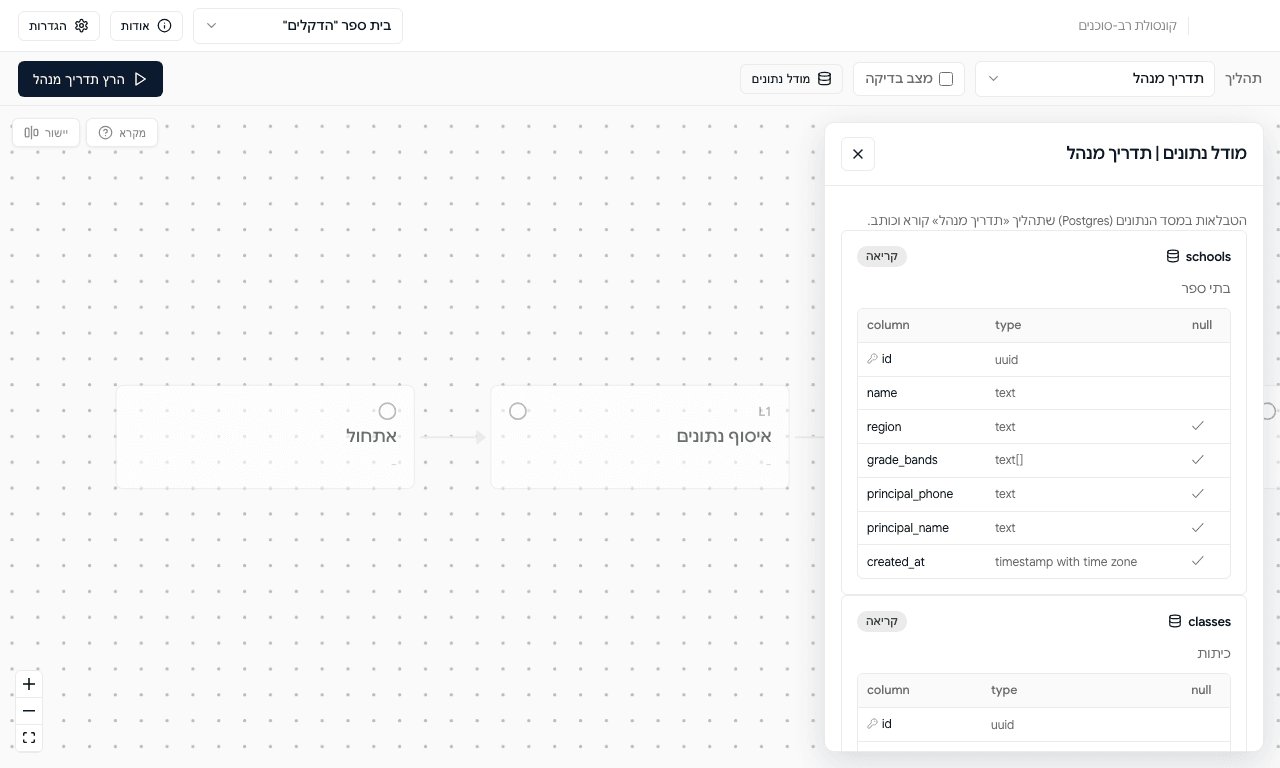
A React console draws each agent as a live pipeline. Every step reports its input and output to an inspector, runs can be paused and resumed, and a test mode stops after each step.
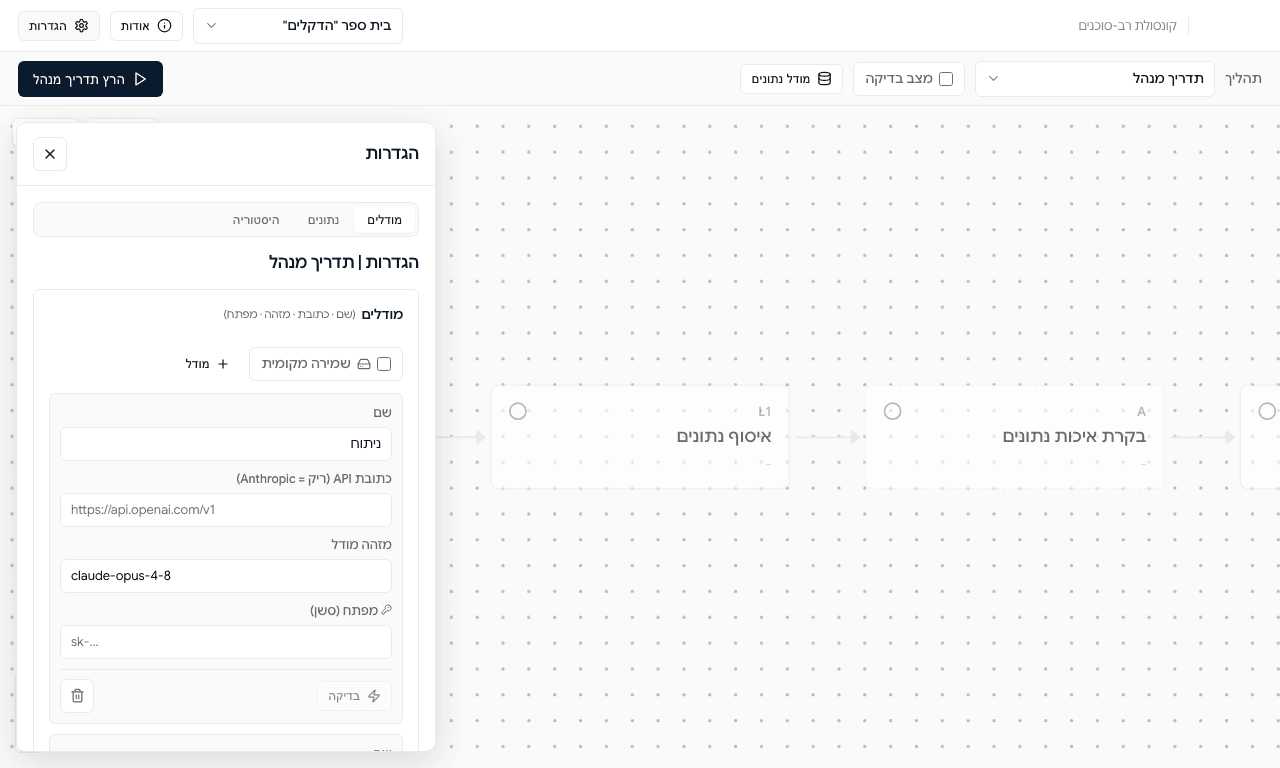
Models are a named registry. Each LLM step in each pipeline is assigned a model by name, and the API URL decides the provider: empty means Anthropic, anything else is treated as OpenAI-compatible, which covers OpenAI, DeepSeek and hosted Llama. API keys live in the browser for the session only and are stripped before any config is saved. There is no silent fallback to a fake model: a run without a key fails loudly at the first LLM step.
By the numbers
- 3 agents with 11, 6 and 10 pipeline stages
- 7 LLM steps, each with its own model
- alerts need at least 5 peer schools and 5 responses to fire
- demo data: 5 schools, 22 classes, six weeks of surveys with two classes declining on purpose
How to run
Try it online
The live demo runs on the seeded demo schools. The console is in Hebrew; the labels are in brackets.
- Open the demo. A demo school is already selected in the top bar.
- Open Settings (הגדרות, top left) and, on the Models tab, paste an Anthropic key into a model. Any OpenAI-compatible key works too: set that model's API URL to the provider's endpoint. Keys stay in your browser tab and are never saved.
- Pick a flow (תהליך): the principal briefing, the early warning or the benchmark.
- Optionally tick Test mode (מצב בדיקה) to pause after every step.
- Click Run (the dark button, top left) and watch each stage light up on the canvas.
Without a key, the statistics and database steps still run, then the pipeline stops at the first LLM step with a clear message.
Run it locally
The source is private, so request access first. The button opens an email with the request already written.
Request access by emailYou need Docker Desktop and Node.js 18 or later.
make dev      # starts Postgres + Redis, then the backend and the console
make health   # checks the database, Redis and the WhatsApp mock
The console opens on http://localhost:5173 with the API on port 3001. Postgres and Redis use ports 5433 and 6381, so they don't clash with other local databases, and they're seeded with the demo schools on first start.
make test     # the statistics and grounding tests, no key or Docker needed
make down     # stops Postgres + Redis, keeps the data
make reset    # drops everything and re-seeds